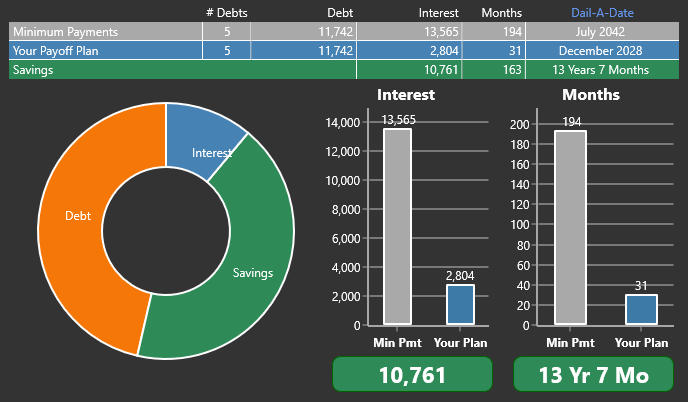
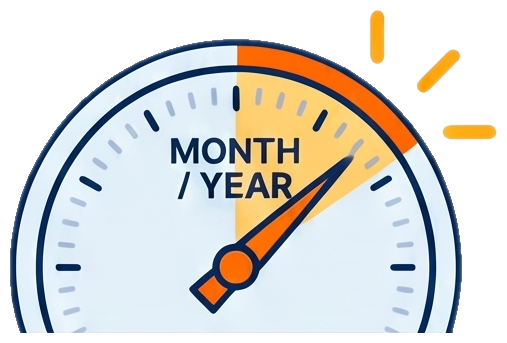
Pick your target month and year.
Simply choose when you want to be completely debt-free.
Build a clear month-by-month payoff plan that shows you how to get debt-free.
35th Anniversary Special: $29.99
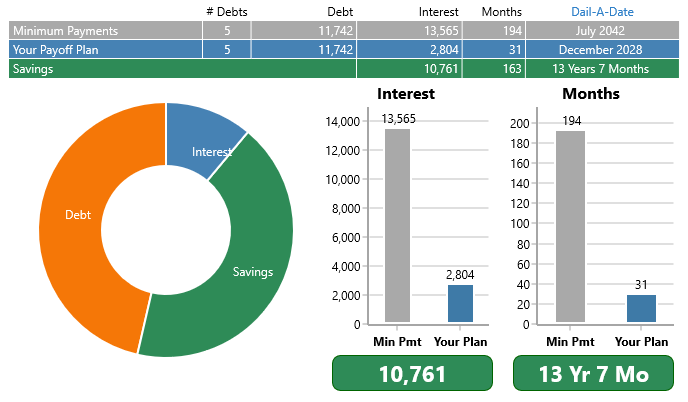
Pick a debt-free date. Debt Blaster shows you the monthly amount it would take to get there.
Most payoff tools start by asking what is left over.
Debt Blaster starts with the finish line you want.
Simply choose when you want to be completely debt-free.
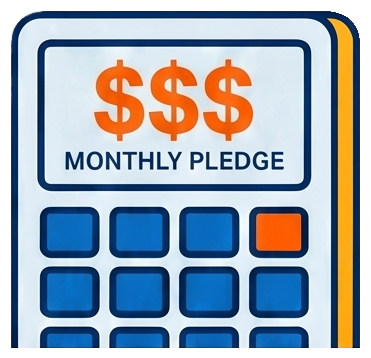
Debt Blaster calculates the monthly payment needed to hit that date.
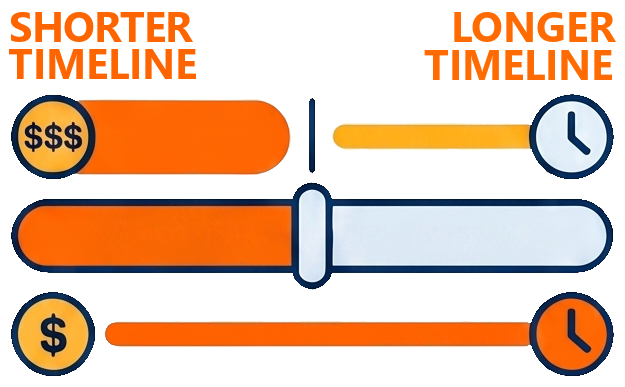
Shorter timelines require higher monthly commitments. Longer timelines offer a more gradual path.
Debt payoff feels different when you can test the finish line before committing to it. Move the date sooner or later, see the monthly amount change instantly, and choose a plan that feels possible instead of imposed.
From download to payoff plan, it’s four straightforward steps.
Start with the Windows trial so you can build and review your plan before you buy.
Add your debts, balances, interest rates, payments, and due dates.
Choose a payoff strategy and let Debt Blaster calculate a clear path forward.
Use the month-by-month schedule to know what to pay next.
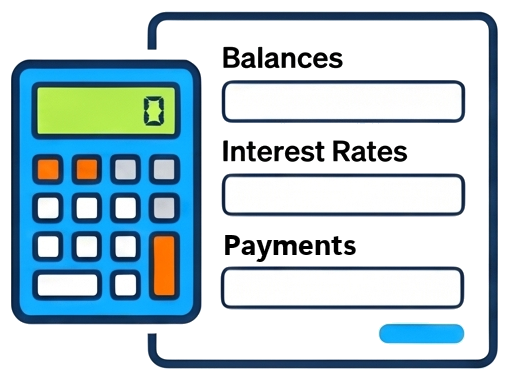
Enter your debts, balances, rates, payments, and due dates.
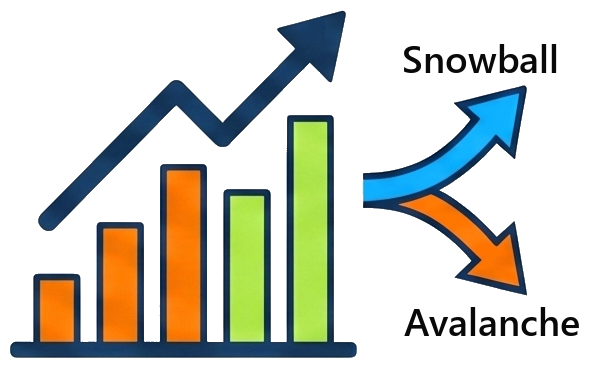
Debt Blaster does the math and turns your debts into a payoff plan.
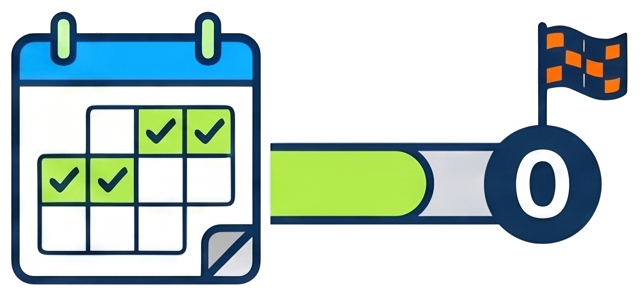
Use the month-by-month schedule to know what to pay next and keep moving toward zero.
That’s it. Debt Blaster turns the details you enter into a clear payoff order, a visible payoff date, and a schedule you can follow on your own.
“It used to take me forever to figure this out by hand.”
Wow! This is so simple. I like it.
See every debt, every next move, and every what-if before you decide.
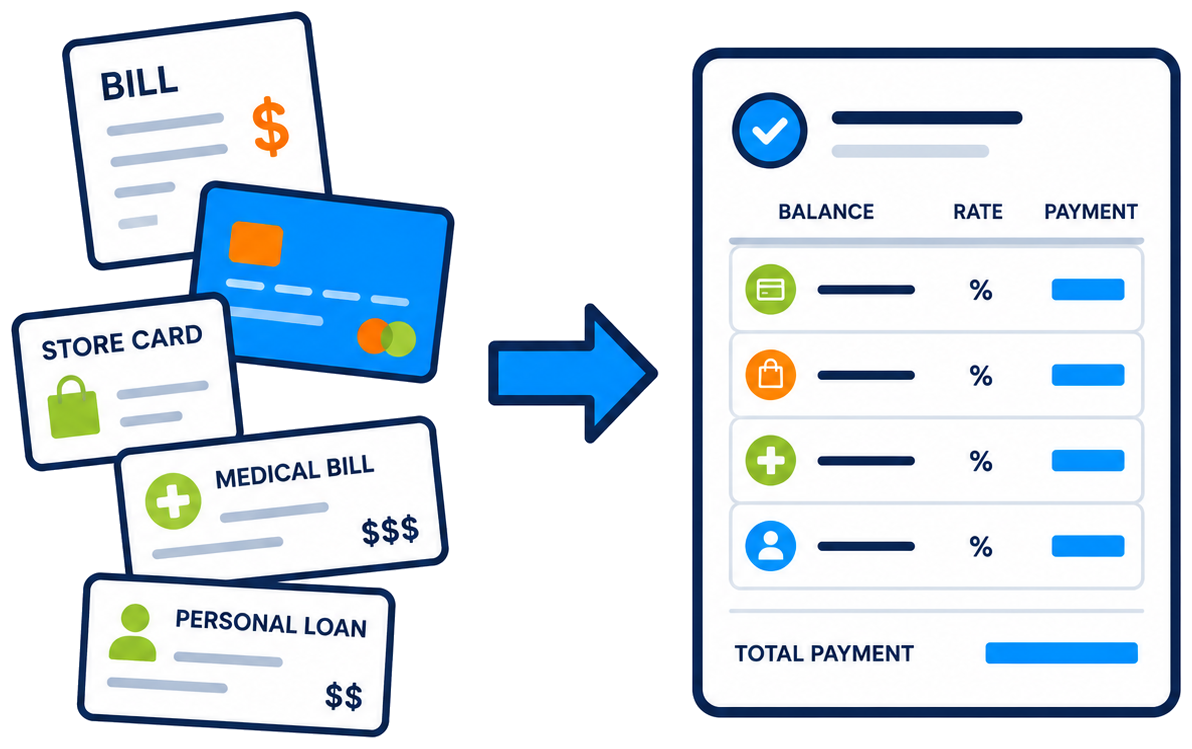
Put balances, rates, payments, and payoff order in one place so your debt picture stops feeling scattered.
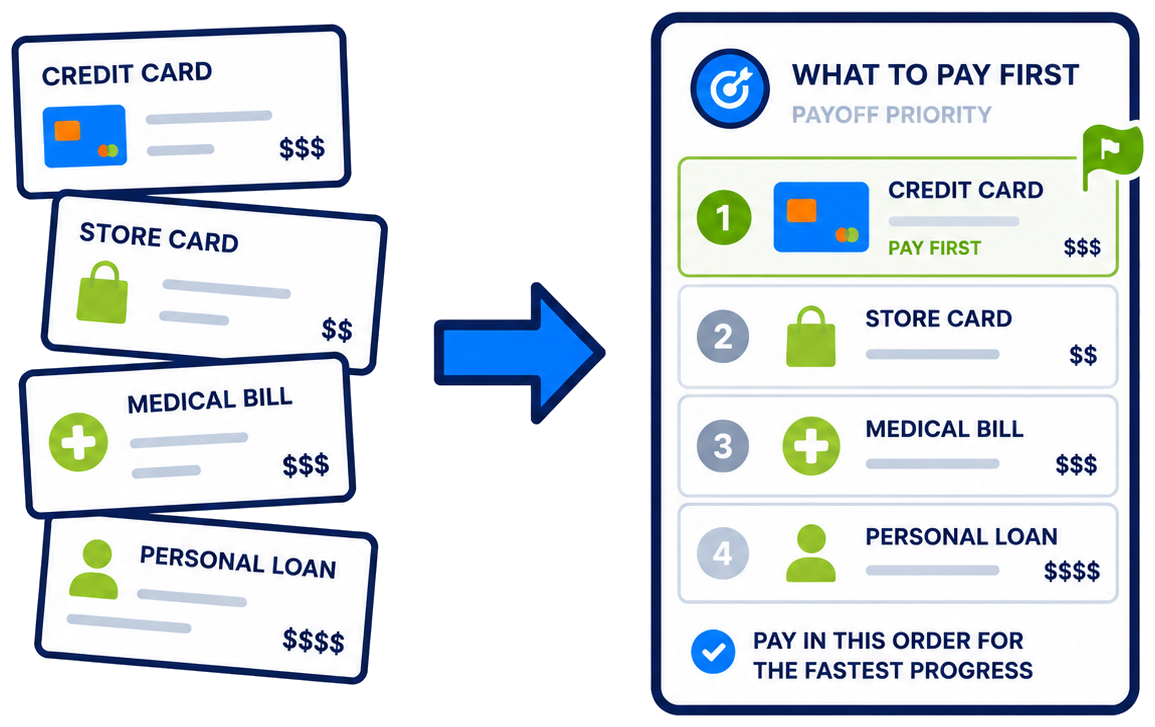
Compare payoff methods before you commit, then see which debt gets attacked first and why.
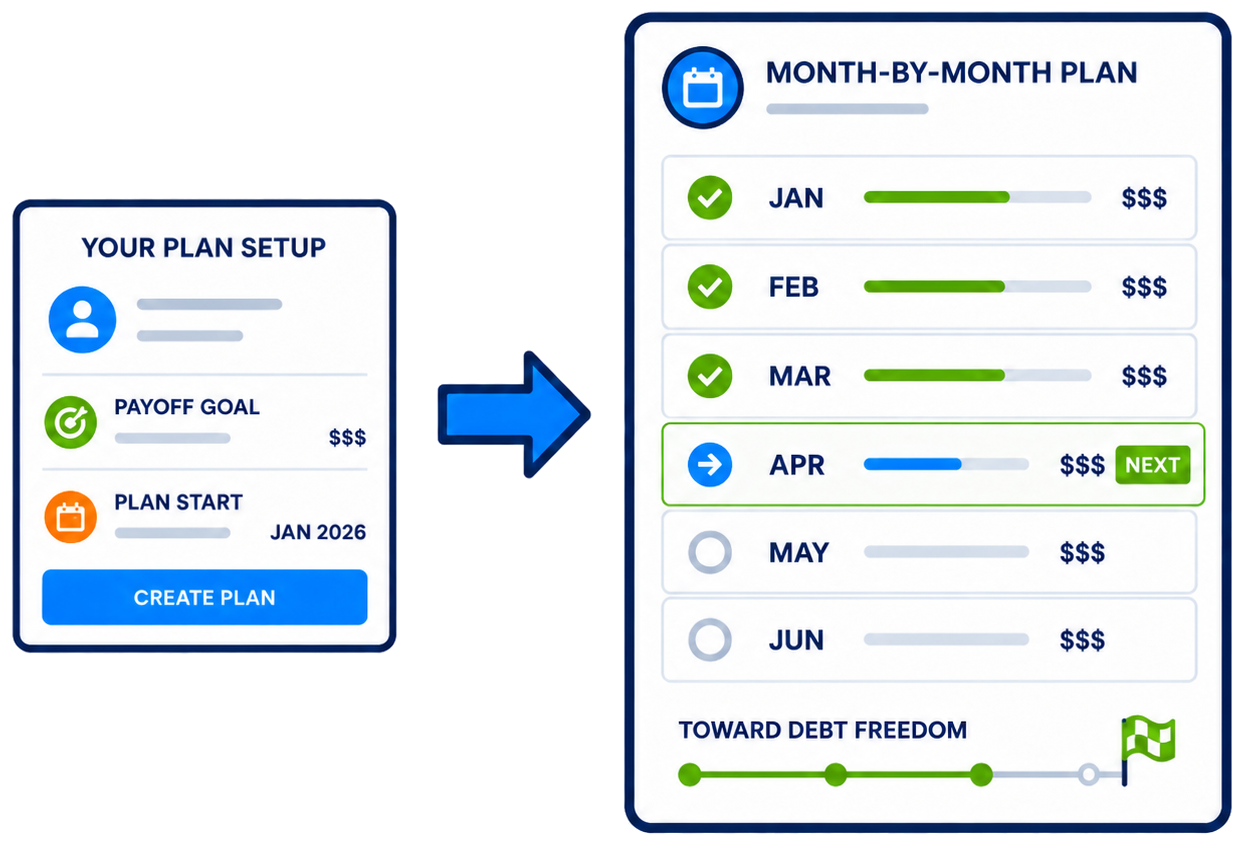
Know what to pay next without rebuilding the plan by hand every time something changes.
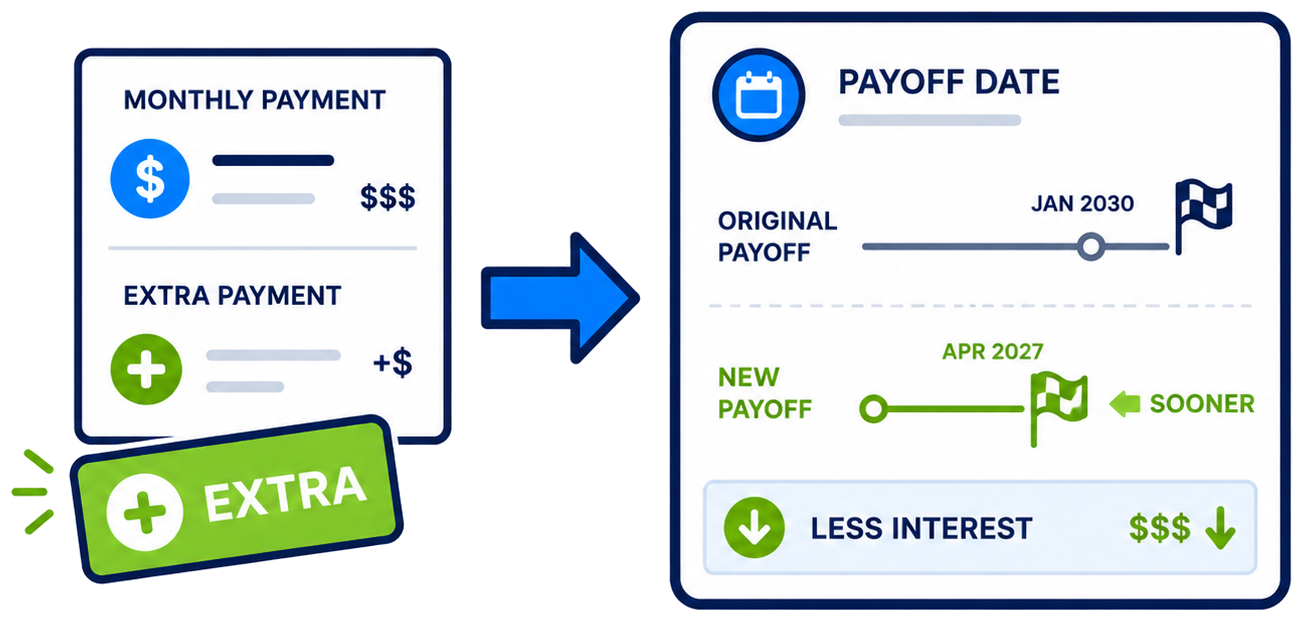
See how extra money can change your payoff date and interest picture before you decide what is realistic.
Debt feels heavier when the details are scattered. Debt Blaster brings the pieces together so you can see the plan, test your choices, and make the next move with confidence.
“The printed reports have been vital in our success.”
They keep me on track when I am tempted to spend money I shouldn’t be.
Zilch launched in 1991 at $29.95.
Thirty-five years later, Zilch is now Debt Blaster.
To celebrate, we're bringing the price back to the beginning:
$29.99.
Debt Blaster
A known price for a plan you can see and test.
Staying unclear
The price is harder to see because it keeps moving.
One cost is known. The other keeps moving until you have a plan.
One payment. No subscription. No cloud account required.
Looking for Mac, iPad, or mobile? See other versions.
Debt doesn't wait while you decide. Interest keeps adding up, minimum payments keep going out, and without a clear plan, your money has no clear target.
Start with the version that fits how you work.
Full desktop payoff-planning experience.
Learn moreDebt Blaster for macOS.
Join Mac listTouch-friendly payoff planner.
Join iPad listMobile-friendly payoff planner.
Join mobile listShort, clear explanations before you choose a version or download the trial.
A way to pick your debt-free date and instantly see the monthly pledge needed to hit it.
The monthly amount required to reach the debt-free date you selected.
No - it's a debt payoff planner.
It helps you organize debts, choose a payoff strategy, and follow a clear plan.
No.
Debt Blaster is a one-time purchase with no subscription and no cloud account.
Pick the platform you use most: Windows, Mac, iPad, or Mobile.
No - it's a single purchase.
Yes. Zilch Standard was renamed Debt Blaster in July 2026. ZilchWorks remains the developer, and Debt Blaster is the current debt payoff software moving forward.
Debt Blaster is the clearer new name for debt payoff software by ZilchWorks. The name is new. The payoff-planning experience behind it is not.
There is a 35-year story behind the new name.
Read the story behind Debt BlasterZilchWorks was featured on Good Morning America for helping people build a clear debt payoff plan and get out of debt faster.
Get Debt Blaster
35th Anniversary Special: $29.99
Looking for Mac, iPad, or mobile? See other versions.